> ## Documentation Index
> Fetch the complete documentation index at: https://docs.getcuemanager.com/llms.txt
> Use this file to discover all available pages before exploring further.
# Welcome to CueManager
> Run your snooker club from one place — tables, billing, members, POS, and reports.
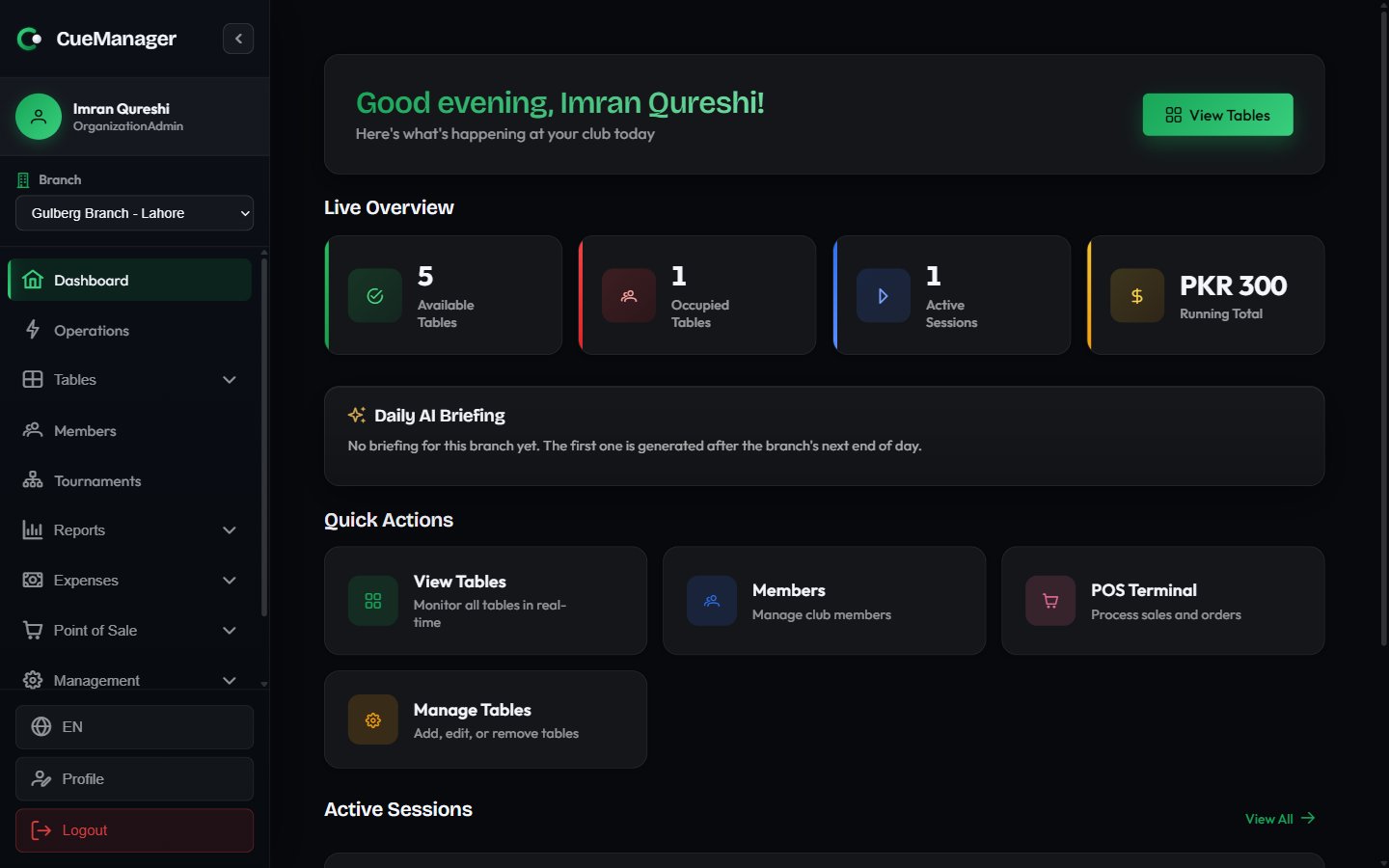
CueManager is club management software for snooker and pool halls. It runs your live table floor, bills sessions by frame, hour, or minute, keeps member profiles and prepaid wallets, sells food and drinks through a POS, holds open customer tabs, runs tournaments, and reports on all of it across every branch you operate.
Everything is real time and offline-tolerant: table statuses and scores update across devices instantly, and the front desk keeps working when the internet drops.
 ## Start here
Sign up, set up your club, and bill your first frame in about ten minutes.
Frame, hourly, and per-minute pricing, and why the loser of a frame pays for it.
Watch every table, start and end sessions, and reserve tables for later.
Sell drinks and snacks, and push the sale onto a table session or a tab.
Let regulars run a bill across sessions and POS sales, then settle once.
Plans, usage limits, invoices, and how upgrades and downgrades are billed.
## What a shift looks like
A typical evening at Crown Snooker Club runs through four screens.
| Screen | What you do there |
| --------------------------------------------------------------- | -------------------------------------------------------------------------------- |
| [Tables](/tables/live-floor) | Start a session on Snooker 1, watch timers and running totals, end and check out |
| [Operations](/getting-started/dashboard#the-operations-console) | See every live session and open tab on one page, end or settle from there |
| [POS terminal](/pos/pos-terminal) | Ring up a Chai at Rs 100 and attach it to the table session or a tab |
| [Reports](/club/reports) | Close the day with the daily summary, then export it |
New to the product? Follow the [quickstart](/getting-started/quickstart). Setting up a real club for the first time? Start with [create your club](/getting-started/create-your-club), then the [setup wizard](/getting-started/onboarding-wizard).
## Start here
Sign up, set up your club, and bill your first frame in about ten minutes.
Frame, hourly, and per-minute pricing, and why the loser of a frame pays for it.
Watch every table, start and end sessions, and reserve tables for later.
Sell drinks and snacks, and push the sale onto a table session or a tab.
Let regulars run a bill across sessions and POS sales, then settle once.
Plans, usage limits, invoices, and how upgrades and downgrades are billed.
## What a shift looks like
A typical evening at Crown Snooker Club runs through four screens.
| Screen | What you do there |
| --------------------------------------------------------------- | -------------------------------------------------------------------------------- |
| [Tables](/tables/live-floor) | Start a session on Snooker 1, watch timers and running totals, end and check out |
| [Operations](/getting-started/dashboard#the-operations-console) | See every live session and open tab on one page, end or settle from there |
| [POS terminal](/pos/pos-terminal) | Ring up a Chai at Rs 100 and attach it to the table session or a tab |
| [Reports](/club/reports) | Close the day with the daily summary, then export it |
New to the product? Follow the [quickstart](/getting-started/quickstart). Setting up a real club for the first time? Start with [create your club](/getting-started/create-your-club), then the [setup wizard](/getting-started/onboarding-wizard).